

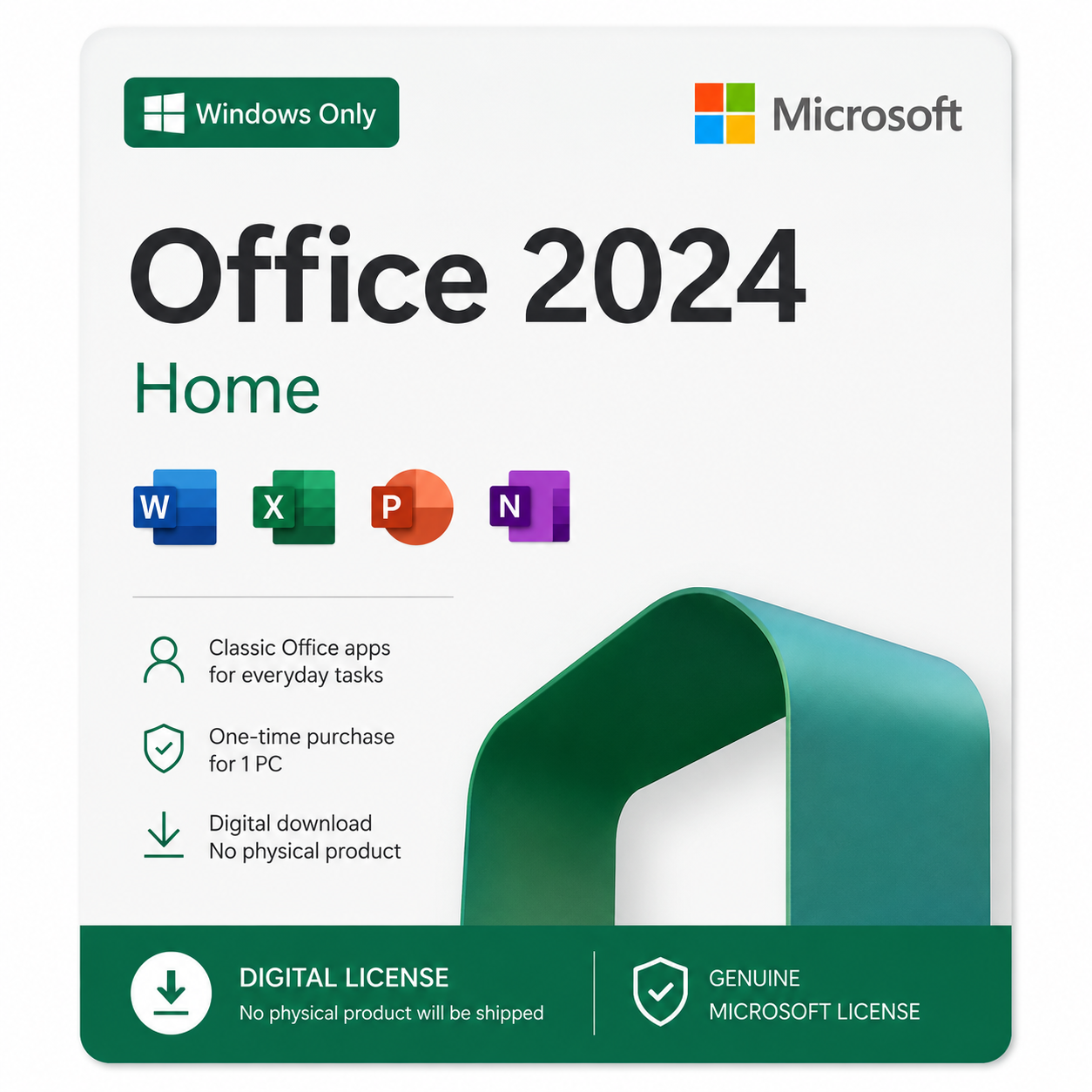
Microsoft Office 2024 Home – Windows PC | Phone Activation
Microsoft Office 2024 Home is the essential productivity suite for students, families, and individuals who need reliable tools for everyday tasks without committing to a monthly subscription. This retail license gives you full, permanent access to Word, Excel, and PowerPoint — the same applications trusted by millions worldwide, now available as a one-time purchase with lifetime use.
Whether you're writing school assignments, managing a household budget, or putting together a presentation, Office 2024 Home covers the essentials without any extra cost or complexity. Unlike Microsoft 365 subscriptions, there are no recurring fees, no auto-renewals, and no risk of losing access if you decide to cancel — you pay once and the license is yours for good.
Important: This key is for Windows PC only and activates via phone activation (not instant online activation). Not compatible with Mac.
What's included in Office 2024 Home
Write and edit documents, essays, and letters with ease and clarity.
Manage budgets, lists, and personal finances with powerful spreadsheet tools.
Create clear, engaging presentations for school, work, or personal projects.
What's new in Office 2024
Office 2024 builds on years of refinement to deliver a faster, smarter experience across every application in the suite:
- ✓ AI-powered productivity features that speed up writing and surface insights automatically in Excel
- ✓ Noticeably improved performance and faster load times, even when working with large files
- ✓ A new accessibility ribbon that makes it easier to create inclusive, screen-reader-friendly content
- ✓ Refined, modern interface across Word, Excel, and PowerPoint
How phone activation works
This license activates by phone, using Microsoft's official automated activation system. Unlike a Microsoft 365 subscription that activates online instantly, a retail Office 2024 Home key uses Microsoft's classic phone activation wizard built into the installer. It's a well-established, fully legitimate method that Microsoft has supported for years, and it typically takes just a few extra minutes compared to online activation. Here's exactly what you receive with your purchase:
Your genuine Office 2024 Home product key, sent straight to your email
A step-by-step phone activation guide with screenshots, so you know exactly what to expect at every stage
Direct support from our team if you run into any issues during the activation call
Platform: Windows PC only (not compatible with Mac)
Activation method: Phone activation via Microsoft's automated hotline
How to activate your key, step by step
Before installing Office, log in to or create a Microsoft account, then head to Office setup to download the suite:
- 1. Log in to or create a Microsoft account here: microsoft.com/microsoft-365
- 2. Once your account is ready, go to setup.office.com (log in with the account you just created if prompted) and download Office.
Once Office is installed, follow these steps to activate your key by phone:
Open any Office application, such as Word or Excel.
Go to File → Account (in older versions, this may be under Help).
Click "Activate Product".
Enter the product key we sent to your email when prompted.
Choose the option to activate by telephone.
Select your country or region from the dropdown list.
Call the phone number provided on screen and follow the automated voice prompts.
Read out the Installation ID shown on your screen when asked. The automated system will give you back a Confirmation ID.
Enter the Confirmation ID into the fields shown in the activation wizard on your screen.
Click "Next" to complete the wizard — your Office suite is now activated. Enjoy!
Stuck on any step? Message us on WhatsApp at +1 (305) 404-2582 and we'll walk you through it.
Who is Office 2024 Home for?
This edition is built for students, families, and individuals who need dependable Word, Excel, and PowerPoint access for everyday tasks — schoolwork, budgeting, personal projects — without needing business-focused tools like Outlook or the extra cost of a Microsoft 365 subscription. If you want the core Office experience installed permanently on one Windows PC, this is the license built for you.
System requirements
- Windows 10 or later (Windows only — not compatible with Mac)
- 4 GB RAM (recommended)
- 4 GB free disk space
- Phone access required for activation (landline or mobile)
- Internet connection required to download the installer
If your key ever stops working, we'll replace it or refund you — for life, no questions asked.
Murakia LLC is a registered Microsoft Partner. View our partner profile →
Murakia LLC is the company behind the Suaraia Keys brand.
Note: This is a digital activation key for Windows PC only, activated via phone call, not instant online redemption. No physical product will be shipped. After purchase, you'll receive your key and phone activation instructions directly by email.